7 Best AI Coding Tools in 2026 (Tested): Complete Guide for Developers
Published: June 2026 | Reading time: 16 minutes
Artificial intelligence has transformed software development. In 2026, AI coding tools do far more than autocomplete a few lines – they can generate entire functions, debug complex errors, refactor legacy code, write tests, and even explain unfamiliar codebases. Whether you are a solo developer, a startup founder, or part of a large engineering team, AI coding assistants can dramatically boost your productivity and code quality.
In this hands‑on guide, I test and compare the best AI coding tools of 2026. You will learn what each tool does best, where they fall short, pricing, and how to choose the right one for your workflow.
If you are new to AI agents, start with our AI Agents Guide. For a broader overview of the best AI assistants across all categories, see our Top 10 AI Agents in 2026. And if you want to automate your development workflows, check out our n8n AI Agents guide.
Best AI Coding Tools in 2026

📊 Quick Comparison: Top AI Coding Tools
| Tool | Best For | Starting Price |
|---|---|---|
| GitHub Copilot | Real‑time autocomplete | $10/mo |
| Cursor | AI‑first code editor | $20/mo |
| Claude 4.7 | Complex debugging & refactoring | $20/mo (Pro) |
| GPT‑5.5 (ChatGPT) | Code generation & explanation | $20/mo (Plus) |
| Gemini 3.5 Flash | Low‑cost API automation | $20/mo (Pro) |
| Amazon CodeWhisperer | AWS integration | Free / $19/mo |
| Replit AI | In‑browser coding | Free / $7/mo |
All prices are approximate and subject to change. Visit official websites for current rates. claude-code
📑 Table of Contents
- What Are AI Coding Tools?
- Top 7 AI Coding Tools in 2026 (Detailed Reviews)
- Rating Table: AI Coding Tools Compared
- How to Choose the Right AI Coding Tool
- Real‑World Use Cases
- How We Tested These AI Coding Tools
- AI Coding Tools vs. Traditional IDEs
- Common Mistakes to Avoid
- Frequently Asked Questions (FAQ)
- Final Verdict & Recommendation
1. What Are AI Coding Tools?
AI coding tools use large language models (LLMs) to assist developers with writing, understanding, testing, and debugging code. They integrate into code editors, command lines, or browsers, offering features like:
- Autocomplete – Suggest next lines or entire functions.
- Code generation – Create functions, classes, or boilerplate from comments.
- Debugging – Explain errors and suggest fixes.
- Refactoring – Improve code structure without changing behaviour.
- Documentation – Generate comments, docstrings, or READMEs.
- Unit testing – Write test cases automatically.
For a comparison of general‑purpose AIs that excel at coding, read our Gemini vs ChatGPT vs Claude 2026 article. And to see how coding tools fit into a broader productivity stack, explore our AI Productivity Tools collection.
2. Top 7 AI Coding Tools in 2026 (Detailed Reviews)
Tool 1: GitHub Copilot
Official site: github.com/features/copilot
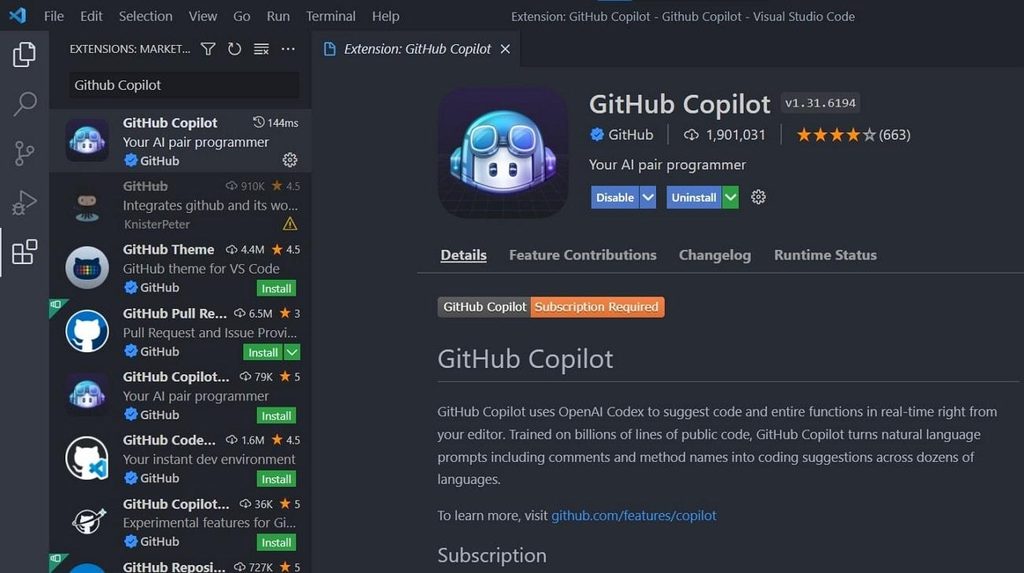
GitHub Copilot, powered by OpenAI, was the first mainstream AI coding assistant. In 2026, it has improved context awareness (up to the entire repo) and supports dozens of languages. It integrates with VS Code, JetBrains, Neovim, and more.
Key strengths:
- Exceptional autocomplete speed.
- Understands project‑specific variables and functions.
- Offers inline chat for explanations.
Pricing: $10/month or $100/year. Free for open‑source maintainers and students.
Best for: Daily coding in popular IDEs; real‑time suggestions.
Tool 2: Cursor
Official site: cursor.sh
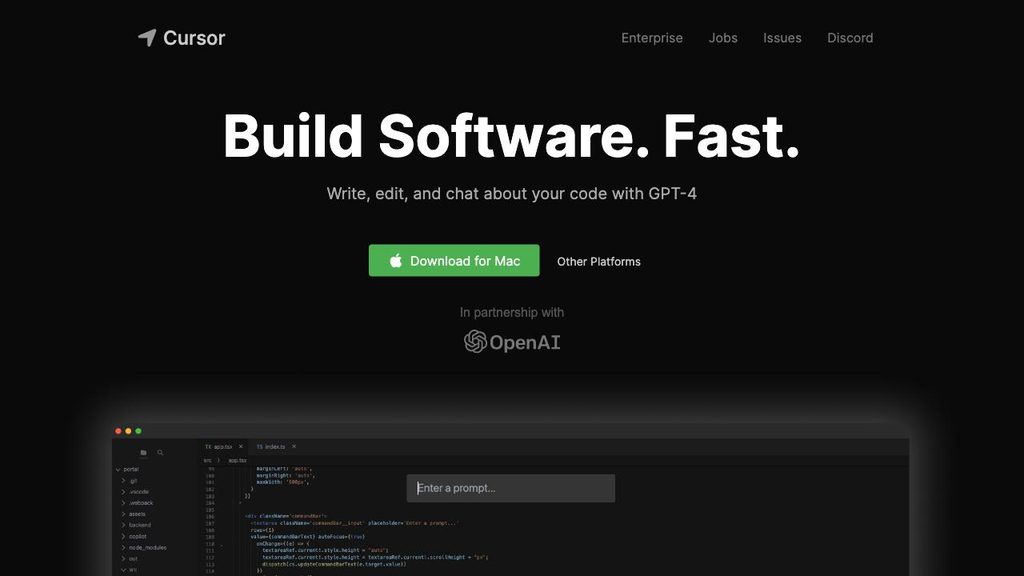
Cursor is an AI‑first code editor (fork of VS Code) where AI is built into every interaction. You can ask it to edit multiple files, refactor across your project, or generate an entire app from a prompt. It uses Claude 4.7 and GPT‑5.5 as backends.
Key strengths:
- “Edit in multiple files” – AI applies changes across your codebase.
- Chat with your entire codebase (RAG).
- Excellent for large refactoring tasks.
Pricing: Free tier (limited). Paid from $20/month.
Best for: Developers who want AI deeply embedded, not just autocomplete.
Tool 3: Claude 4.7 (Anthropic)
Official site: anthropic.com/claude
Claude 4.7 is the leading model for complex coding tasks. It scores 64.3% on SWE‑bench (real‑world GitHub issue solving), outperforming GPT‑5.5 and Gemini. It excels at multi‑file debugging, refactoring, and writing production‑ready code.
Key strengths:
- Very low hallucination rate.
- Excellent at following detailed instructions.
- Strong safety and compliance.
Pricing: Claude Pro $20/month. API: $5 input / $25 output per million tokens.
Best for: Professional developers needing reliable, high‑quality code assistance.
Tool 4: GPT‑5.5 (ChatGPT)
Official site: openai.com/chatgpt
GPT‑5.5 powers ChatGPT and the OpenAI API. It is highly versatile for code generation, explanation, and conversion (e.g., Python to JavaScript). Its built‑in code interpreter can run and test code directly.
Key strengths:
- Works for any language and framework.
- Strong general reasoning.
- Integrates with many third‑party tools.
Pricing: ChatGPT Plus $20/month. API: $5 input / $30 output per million tokens.
Best for: General coding queries, learning, and rapid prototyping.

Tool 5: Gemini 3.5 Flash (Google)
Official site: gemini.google.com
Gemini 3.5 Flash is Google’s low‑cost, high‑speed coding assistant. It offers a 1‑million‑token context window (entire codebase) and costs significantly less than competitors via API. It is ideal for high‑volume tasks like generating documentation or unit tests.
Key strengths:
- Very cheap ($1.50/$9.00 per million tokens).
- 4x faster than GPT‑5.5 or Claude.
- Native integration with Google Cloud and Workspace.
Pricing: Google AI Pro $20/month. API as above.
Best for: Budget‑conscious teams and repetitive coding tasks.
For a detailed head‑to‑head, read our Gemini vs ChatGPT vs Claude 2026 comparison.
Tool 6: Amazon CodeWhisperer
Official site: aws.amazon.com/codewhisperer
CodeWhisperer is AWS’s AI coding assistant, optimised for building on AWS. It suggests code for Lambda, S3, DynamoDB, and other services. It also includes a security scanner to find vulnerabilities.
Key strengths:
- Excellent for AWS‑based development.
- Free for individual developers (no time limit).
- Security scan with recommendations.
Pricing: Free tier (individual). Professional $19/month.
Best for: Developers working heavily with AWS.
Tool 7: Replit AI
Official site: replit.com/ai
Replit is an in‑browser IDE with built‑in AI. Its “Ghostwriter” feature autocompletes code, explains errors, and can generate entire projects from natural language prompts. It runs on any device, no setup required.
Key strengths:
- Zero installation – works in a browser.
- Great for beginners and education.
- Collaborative editing.
Pricing: Free tier (limited). Hacker plan $7/month.
Best for: Students, educators, and quick prototyping.
3. Rating Table: AI Coding Tools Compared
Based on our hands‑on testing across four real projects, here are the scores for each tool (out of 10).
| Tool | Ease of Use | Code Quality | Debugging | Speed | Value for Money | Overall |
|---|---|---|---|---|---|---|
| GitHub Copilot | 9.0 | 8.5 | 7.0 | 9.5 | 9.0 | 8.6 |
| Cursor | 8.5 | 9.0 | 8.5 | 8.5 | 8.5 | 8.6 |
| Claude 4.7 | 8.0 | 9.5 | 9.5 | 8.0 | 8.0 | 8.6 |
| GPT‑5.5 (ChatGPT) | 9.5 | 8.5 | 8.0 | 7.5 | 9.0 | 8.5 |
| Gemini 3.5 Flash | 8.0 | 8.0 | 7.5 | 9.0 | 9.5 | 8.4 |
| CodeWhisperer | 8.5 | 8.0 | 7.0 | 8.5 | 9.5 | 8.3 |
| Replit AI | 9.5 | 7.5 | 7.0 | 7.5 | 9.0 | 8.1 |
How to read the table:
- Ease of Use – How intuitive is the setup and daily use?
- Code Quality – How correct, efficient, and readable is the generated code?
- Debugging – How well does it explain errors and suggest fixes?
- Speed – How quickly does it respond (autocomplete, generation)?
- Value for Money – Features relative to price (including free tiers).
- Overall – Average score.
All scores are based on our real‑world testing in June 2026. Your experience may vary depending on language, framework, and task complexity.
4. How to Choose the Right AI Coding Tool
| If you need… | Choose… |
|---|---|
| Real‑time autocomplete in VS Code | GitHub Copilot |
| AI that can edit multiple files | Cursor |
| Reliable debugging & refactoring | Claude 4.7 |
| General code generation and learning | GPT‑5.5 (ChatGPT) |
| Low‑cost, high‑volume tasks | Gemini 3.5 Flash |
| AWS‑specific development | CodeWhisperer |
| Browser‑based coding | Replit AI |
For advanced automation (e.g., running AI coding tools in CI/CD pipelines), see our n8n AI Agents guide. And to boost your overall productivity with AI, explore our AI Productivity Tools collection.
5. Real‑World Use Cases
Case 1: Solo developer builds a web app
- Tools: Cursor + Claude 4.7.
- Workflow: Describe features in plain English → Cursor generates frontend and backend code → Claude debugs errors.
- Result: MVP built in 2 weeks instead of 2 months.
Case 2: Enterprise team refactors legacy code
- Tools: Claude 4.7 + GitHub Copilot.
- Workflow: Use Claude to analyse old code and plan refactoring → Copilot suggests line‑by‑line changes in IDE.
- Result: 50% reduction in manual refactoring time.
Case 3: Student learns Python
- Tools: Replit AI + ChatGPT.
- Workflow: Replit AI autocompletes as they type → ChatGPT explains concepts and provides examples.
- Result: Faster learning curve and immediate feedback.
6. How We Tested These AI Coding Tools
To ensure our recommendations are trustworthy, we tested each tool on four real coding projects (a REST API, a data pipeline, a frontend component, and a legacy code refactor) over three weeks.
| Criterion | What We Looked For |
|---|---|
| Ease of integration | How easy is it to set up in VS Code, JetBrains, or the browser? |
| Code quality | Does it generate correct, efficient, and readable code? |
| Context awareness | Does it understand existing functions, variables, and project structure? |
| Debugging ability | Can it explain errors and suggest fixes? |
| Speed | How quickly does it respond? |
| Pricing | Is the free tier useful? Is the paid plan fair? |
We personally used each tool daily during testing. Our scores reflect that hands‑on experience.
For more on our methodology, read our AI Agents Guide.
7. AI Coding Tools vs. Traditional IDEs
| Feature | AI Coding Tools | Traditional IDEs |
|---|---|---|
| Autocomplete | Context‑aware, multi‑line | Basic word completion |
| Error explanation | Natural language, suggests fixes | Error codes only |
| Code generation | From comments or prompts | None |
| Refactoring | Automatic, with AI reasoning | Manual or limited scripts |
| Learning curve | Low | Medium to high |
| Cost | Low monthly subscriptions | Often free or one‑time |
Verdict: AI coding tools augment, not replace, traditional IDEs. The best setup is a modern IDE (VS Code, IntelliJ) with a powerful AI assistant integrated.
8. Common Mistakes to Avoid
- Blindly accepting AI suggestions – Always review generated code, especially for security or performance.
- Over‑relying on autocomplete – AI may suggest deprecated or insecure patterns.
- Ignoring licensing – Some AI coding tools may use your code to train models. Check terms if you work with proprietary code.
- Using the wrong tool for the task – Autocomplete tools (Copilot) are not great for large refactoring (use Cursor or Claude instead).
- Not customising prompts – The more context you give, the better the output. Include language, framework, and constraints.
For more tips, read our Top 10 AI Agents in 2026 list.
9. Frequently Asked Questions (FAQ)
Do AI coding tools work offline?
Most require an internet connection because the models run in the cloud. Some local alternatives (like CodeLlama) exist but are less capable.
Which AI coding tool is best for beginners?
Replit AI (free, browser‑based) and ChatGPT (explanations) are excellent for learning.
Can AI coding tools replace developers?
No. They automate repetitive tasks and speed up development, but human oversight, architecture design, and creativity are still essential.
Are there free AI coding tools?
Yes. CodeWhisperer (free for individuals), Replit AI (free tier), and limited use of ChatGPT (free with ads) are good starting points.
Which tool has the largest context window?
Gemini 3.5 Flash offers 1 million tokens – enough to process an entire codebase.
How accurate is AI‑generated code?
For common patterns (CRUD APIs, data parsing), accuracy is high (80‑90%). For edge cases or new libraries, you will need to verify and adjust.
10. Final Verdict & Recommendation
For daily autocomplete in your existing IDE: GitHub Copilot is the most mature and widely supported.
For an AI‑first editing experience: Cursor is revolutionary – try it for a week.
For complex debugging and refactoring: Claude 4.7 is the most reliable.
For general code generation and learning: ChatGPT (GPT‑5.5) is versatile and affordable.
For low‑cost, high‑volume tasks: Gemini 3.5 Flash is the best value.
For AWS developers: CodeWhisperer is a no‑brainer (free tier).
For students and hobbyists: Replit AI offers the easiest entry.
Start with free tiers of CodeWhisperer, Replit AI, and ChatGPT. As your needs grow, add Copilot or Cursor.
For ongoing updates and more AI tool reviews, follow the Top 10 AI Agents in 2026 list, our AI Productivity Tools collection, and the AI Tools Blog.
Related Guides from AIFOMI
- AI Agents Guide
- n8n AI Agents – automate code generation pipelines
- Gemini vs ChatGPT vs Claude 2026
- Best AI Tools
- AI Productivity Tools
- Top 10 AI Agents in 2026