Runway Gen-4.5: The World’s Top‑Rated AI Video Model in 2026
A New Era for AI‑Generated Video
For a long time, creating videos with artificial intelligence felt like a gamble. You’d write a careful prompt, and the first second of the clip would look amazing. Then, on the very next frame, the character’s face would melt, their clothes would change colour, or the background would suddenly distort. It was frustrating, especially if you needed consistent, usable footage for a real project. www.youtube.com
That era ended in late 2025 when Runway released Gen‑4.5. Today, in spring 2026, this model holds the #1 spot on the Artificial Analysis Text‑to‑Video benchmark with an Elo score of 1,247 – ahead of Google Veo 3.1, OpenAI Sora 2, and Kling AI.
Runway Gen‑4.5 isn’t just another video generator. It’s a creative tool built for filmmakers, designers, and agencies who need precise control, consistent characters, and professional‑grade output. In this guide, I’ll walk you through everything you need to know: what makes it special, how much it costs, how it compares to competitors, and whether it’s the right fit for your work.
If you’re new to AI video tools or want to explore a wider range of options, I recommend checking out our AI Tools Directory – it’s a curated list of hundreds of platforms. And if you’re on a tight budget, don’t miss our collection of free AI tools that can help you get started without spending a dime.

Why Runway Gen-4.5 Is Leading AI Video Generation In 2026
Unlike older models that treated video as a sequence of still images, Gen‑4.5 was designed from the ground up to understand motion, physics, and time coherence. It supports both text‑to‑video and image‑to‑video generation, producing clips from 2 to 10 seconds at native 1080p resolution and 24 frames per second.
One of its most impressive features is native audio generation. The model doesn’t just create visuals – it also generates synchronised dialogue, ambient sound, and sound effects in a single pass. This eliminates the need for separate audio tools and manual syncing, saving you hours of post‑production.
But the real magic lies in how Runway has integrated Gen‑4.5 into a broader creative ecosystem. You get access to Director Mode for precise camera control, Motion Sketch for painting movement directions onto images, and Act‑Two for transferring facial expressions and body movements from reference videos. This isn’t a standalone generator; it’s a complete filmmaking toolkit.
For a more beginner‑friendly alternative that focuses on short social media videos, read our detailed Pika Labs review. Pika is faster and simpler, but it doesn’t offer the same level of cinematic control as Runway.
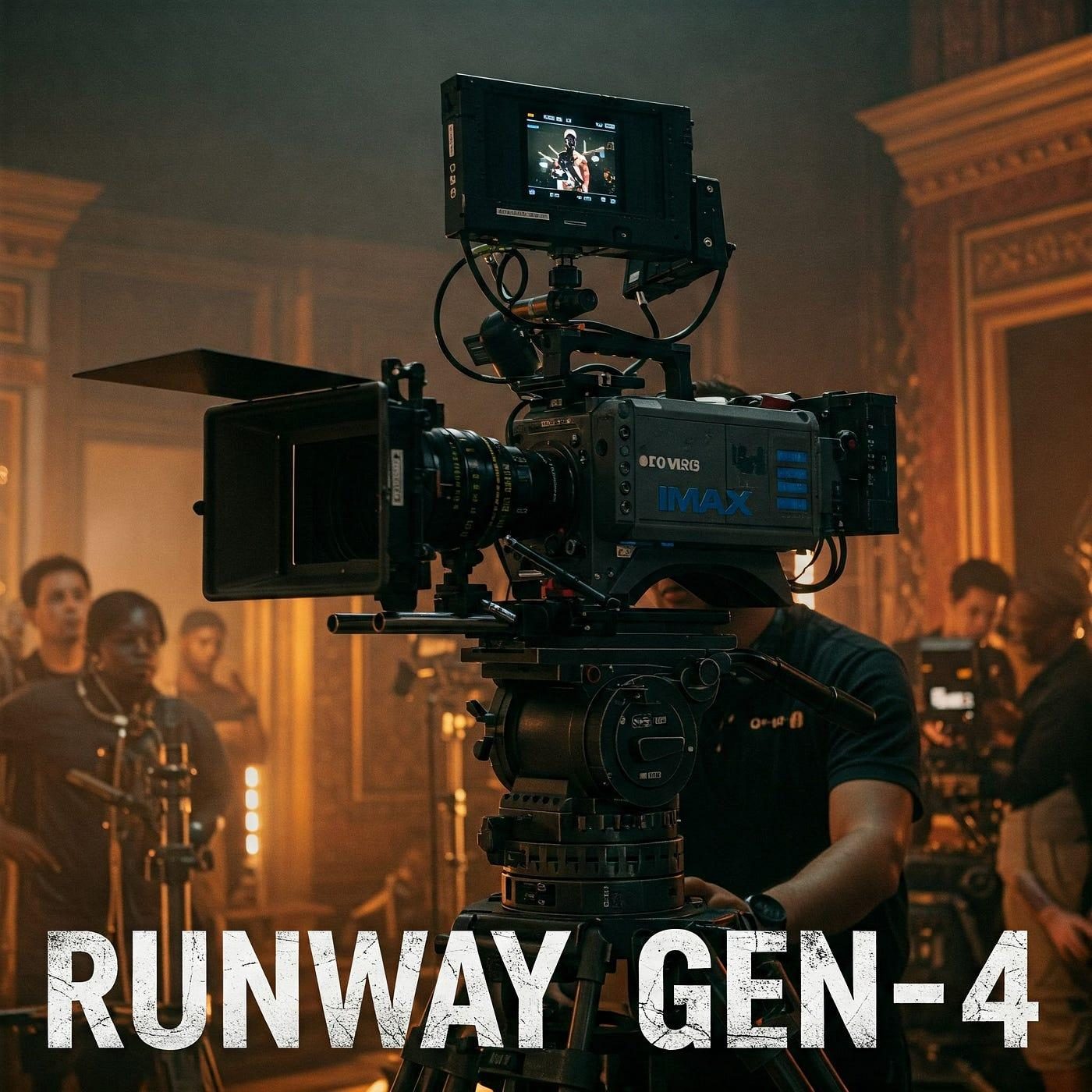
Key Features in Detail
1. Image‑to‑Video with World Consistency
Released in January 2026, this feature allows you to turn any static image – whether it’s a photograph, an AI‑generated artwork, or a rough sketch – into a dynamic video clip. What sets Runway apart is world consistency: characters, objects, and visual styles remain stable across frames. If you upload a character wearing a logo, that logo won’t warp or disappear when the character turns around.
This is a game‑changer for brand advertising, product showcases, and animated storytelling. You can now create a video where your product appears identically across different scenes and lighting conditions, something that was nearly impossible with earlier models.
2. Director‑Grade Camera Control
Most AI video tools give you little say in how the camera moves. You write a prompt like “a car driving through the desert”, and the model decides whether it’s a wide shot, a close‑up, or a drone view – often with random results.
Gen‑4.5 introduces Director Mode, which lets you define push‑ins, pull‑outs, pans, tilts, and tracking shots using simple parameters. You can also describe multi‑shot sequences: the duration of each shot, the perspective, the camera movement, and the narrative content. The model then assembles a coherent video with smooth, film‑like transitions.
3. Motion Sketch (Coming to Gen‑4.5)
Currently available on Gen‑4 (the previous version), Motion Sketch is expected to arrive on Gen‑4.5 later in 2026. This feature allows you to paint motion arrows directly onto an image. For example, you draw a rightward arrow on a person, and the model moves them to the right. You draw a circular path around a cup, and the camera orbits around it. This level of direct control is unique among AI video platforms.
4. Physics‑Aware Motion
Independent tests have confirmed that Gen‑4.5 produces the most physically accurate motion of any model today. When a glass falls, it bounces with realistic weight. When a scarf blows in the wind, the fabric ripples naturally. When a character runs, their centre of gravity shifts convincingly.
In a Turing test conducted by Runway with over 1,000 participants, less than 10% could distinguish Gen‑4.5 outputs from real footage. That’s a remarkable threshold: for many practical purposes, AI‑generated video is now indistinguishable from reality.
For a deeper dive into another model that excels at human physics – especially hair, clothing, and walking gaits – check out our Kling AI 3.0 review. Kling is more affordable and great for human subjects, though it lacks native audio.
5. Native Audio and Lip Sync
Adding sound to AI video used to be a separate, tedious step. You’d generate the video, then run it through a text‑to‑speech tool, then try to sync the audio manually. Gen‑4.5 integrates audio generation directly into the model. You can write a prompt that includes dialogue, describe the ambient sounds, and the model produces a video with perfectly synchronised audio.
This makes Runway exceptionally suitable for commercials, character‑driven shorts, and explainer videos where timing and lip sync matter. runwayml.com
Runway Gen‑4.5 vs. Competitors (2026)
With OpenAI discontinuing the standalone Sora consumer app on April 26, 2026, the real‑world shortlist has narrowed to three leading models: Runway Gen‑4.5, Google Veo 3.1, and Kling 3.0. Here’s how they compare.
| Aspect | Runway Gen‑4.5 | Google Veo 3.1 | Kling 3.0 |
|---|---|---|---|
| Best for | Creative control, image‑to‑video | Premium ads, 4K output, prompt adherence | Cost‑effective iteration, human realism |
| Max duration | 10 seconds | 8 seconds (extendable) | 15 seconds |
| Max resolution | Native 1080p (upscale to 4K) | Native 4K | Native 4K (O3 endpoint) |
| Native audio | ✅ Yes | ✅ Yes | ❌ No (separate pipeline) |
| Image‑to‑video | ✅ Excellent (world consistency) | ⚠️ Limited | ✅ Good |
| Camera control | ✅ Director Mode, Motion Brush | ⚠️ Limited | ✅ Via API |
| Price per second | ~$0.20 | 0.15–0.40 | 0.09–0.14 |
| Free tier | 125 one‑time credits (no Gen‑4.5) | Limited trial | $5 credit every 30 days (on some platforms) |
The bottom line:
- Choose Runway Gen‑4.5 if you need precise camera control, image‑to‑video with consistent characters, and a complete editing ecosystem.
- Choose Google Veo 3.1 if you need the highest resolution (native 4K) and the best prompt adherence for complex scenes.
- Choose Kling 3.0 if you’re on a budget, produce high volumes of videos, or focus on human realism without needing native audio.
For a full comparison of all three, you can also read our standalone Sora by OpenAI guide – while the consumer app is gone, the technology still informs what’s possible.

Pricing Plans (May 2026)
Runway uses a credit‑based system. The free tier gives you 125 one‑time credits – enough to test the interface, but it does not include access to Gen‑4.5. Only paid plans unlock the flagship model.
| Plan | Monthly Price (annual billing) | Monthly Credits | Approx. Gen‑4.5 seconds | Best for |
|---|---|---|---|---|
| Standard | $12/user | 625 | ~25 seconds | Solo creators, light testing |
| Pro | $28/user | 2,250 | ~90 seconds | Professional creators, agencies |
| Unlimited | $76/user | 2,250 + unlimited relaxed gens | Varies | High‑volume experimentation |
| Enterprise | Custom | Custom | Custom | Large organisations |
Important: Gen‑4.5 consumes 25 credits per second. A 5‑second clip costs 125 credits – which is your entire free allocation. The Standard plan gives you roughly 25 seconds of Gen‑4.5 generation per month. That’s why most serious users rely on Gen‑4 Turbo (5 credits/second) for drafts and only use Gen‑4.5 for final, high‑quality renders.
Who Should Use Runway Gen‑4.5?
Gen‑4.5 is not for everyone – and that’s fine. It’s a professional tool designed for:
- Filmmakers and video editors who need cinematic camera control and character consistency.
- Agencies and brands creating commercials, product demos, or social ads where visual quality and brand identity are paramount.
- Game developers prototyping cutscenes or environmental animations.
- Designers who want to turn static illustrations or mockups into animated videos.
If you’re a solo creator on a tight budget, or you only need short, fun videos for TikTok or Instagram, you might be better off starting with Pika Labs (which is cheaper and easier). Read our Pika Labs review to see if it fits your workflow.
If you need longer videos (up to 15 seconds) and care about human realism more than camera control, then Kling AI 3.0 offers better value per second.
Limitations and Honest Criticisms
No tool is perfect. Runway Gen‑4.5 has a few drawbacks:
- Expensive for heavy use – At 25 credits per second, a 10‑second final render consumes 250 credits – nearly half of the Pro plan’s monthly allotment. You need to be strategic.
- Short maximum duration – 10 seconds per clip is fine for commercials and social media, but not for longer narratives (you’d have to stitch multiple clips together).
- No native 4K output – You get 1080p natively. You can upscale, but it’s not the same as native 4K from Veo 3.1.
- Steeper learning curve – You need to understand basic cinematography concepts (camera angles, shot types, movement) to use Director Mode effectively.
- Credit system can be confusing – New users often burn through their free credits without realising how expensive Gen‑4.5 is.
Final Verdict
Runway Gen‑4.5 is the most powerful and creatively flexible AI video model available in 2026. It’s not the cheapest, nor the fastest, nor the highest resolution. But it is the most complete for professionals who want to direct their output rather than hoping the model guesses correctly. www.theverge.com
If you’re a filmmaker, an agency creative, or a brand manager who needs precise control, consistent characters, and professional‑grade quality, then the Pro plan at $28/month is a worthwhile investment. If you’re just starting out, explore the free tier of Pika Labs or Kling AI first, and upgrade to Runway when you outgrow them.
To stay up to date with the latest AI tools and in‑depth reviews, bookmark our AI Tools Directory. And don’t forget to check out our other guides, including Kling AI 3.0 and Sora by OpenAI – both are excellent resources for anyone serious about AI video generation. runwayml.com
Last updated: May 2026