Google Veo 3.1: The Most Powerful AI Video Model of 2026
I’ve been following AI video generation since the early days. I remember when models could barely produce three seconds of footage without distortion. I witnessed the flashy demos that never made it to the public, and I followed the shocking announcement that OpenAI shut down its standalone Sora app google-veo-3-1-vs-openai-sora-2. Now, in 2026, the dust is settling, and one model stands clearly above the rest: Google Veo 3.1.
In this comprehensive guide, I’ll walk you through everything you need to know about Veo 3.1 – its capabilities, its three distinct variants, pricing, how it compares to Runway Gen‑4.5 andkling-ai-3-0-review 3.0, and whether it’s the right tool for your projects. I’ll also share real‑world testing notes, limitations, and practical tips to get started.
Before we dive deep, if you’re new to AI tools or want to explore the broader landscape, I highly recommend visiting our AI Tools Directory. And for those on a budget, don’t miss our curated list of free AI tools – there are some real gems there
What Is Google Veo 3.1?
Google Veo 3.1 is the latest iteration of DeepMind’s video generation family. The original Veo 3 wowed everyone in summer 2025 with its ability to create realistic videos with synchronised audio. Then came Veo 3.1, which delivered a massive leap in quality, consistency, and practicality.
Essentially, Veo 3.1 can turn long, complex text prompts – featuring multiple characters, objects, camera movements, and dialogue – into short, coherent video clips at up to 4K resolution. But Google didn’t stop there. Under the “Veo 3.1” umbrella, there are actually three models tailored to different needs and budgets. google-veo-3-1
For a beginner‑friendly alternative that focuses on short social media videos, check out our Pika Labs review – it’s much simpler and cheaper, though far less powerful.
The Veo 3.1 Family: Three Models for Three Goals
Google cleverly split Veo 3.1 into three variants, each with its own price/performance trade‑off.
| Model | Best For | Max Resolution | Max Duration | Native Audio | Price (per second) |
|---|---|---|---|---|---|
| Veo 3.1 Standard | Cinematic, high‑end production | 4K | 8 sec (extendable) | ✅ Yes | 0.40(1080p)/0.60 (4K) |
| Veo 3.1 Fast | Daily pro work, ads, social | 1080p | 8 sec | ✅ Yes | $0.15 |
| Veo 3.1 Lite | High‑volume, low‑cost experimentation | 1080p | 4‑8 sec | ✅ Yes | 0.05(720p)/0.08 (1080p) |
⚡️ Veo 3.1 Standard – The Cinematic Beast
This is the top‑of‑the‑line model. It delivers the highest visual fidelity and is designed for professional filmmaking, commercials, and any project where quality cannot be compromised. It also includes an upscaling tool that can take any low‑resolution video (even from other AI models) and turn it into stunning 4K. deepmind.google
🚀 Veo 3.1 Fast – The Daily Driver
This strikes the perfect balance between quality, speed, and cost. It’s ideal for agencies, YouTubers, and creators who need to produce high‑quality videos regularly without breaking the bank. At $0.15 per second, it’s a sweet spot for most professionals.
💰 Veo 3.1 Lite – The Volume King
Launched on March 31, 2026, this model is Google’s answer to affordability. It supports both text‑to‑video and image‑to‑video at 720p or 1080p, with a maximum of 8 seconds. It’s perfect for rapid prototyping, A/B testing, and generating large batches of short clips for social media. At $0.05 per second, it’s even cheaper than Kling AI.
If you’re interested in how Kling AI 3.0 compares in terms of pricing and human realism, read our Kling AI 3.0 review.
Key Features That Set Veo 3.1 Apart
🎤 Best‑in‑Class Native Audio
Unlike most competitors that treat audio as a separate layer, Veo 3.1 generates fully synchronised audio – dialogue, ambient sound, and even music – in a single pass. This is a game‑changer for commercials, explainer videos, and any content where timing matters. The audio quality is noticeably better than any other model in its price range.
✍️ Unmatched Prompt Adherence
One of the biggest frustrations with older models was their inability to follow complex instructions. Independent tests from May 2026 show that Veo 3.1 achieves 87% accuracy on complex, multi‑subject prompts – far ahead of Runway Gen‑4.5 (72%) and Kling AI 3.0 (68%). If you know exactly what you want, Veo 3.1 is the most reliable tool to execute your vision.
🖼️ “Ingredients to Video” – Character & Object Consistency
This feature is revolutionary. You can upload up to three reference images (a face, a background, a product) and tell the model how to use them. For example, upload a photo of yourself and a photo of a specific car, then prompt “me driving that car down a coastal road”. The model will preserve your identity and the car’s appearance throughout the clip. This solves one of the hardest problems in AI video generation.
📱 Native Vertical Video & 4K Output
With updates in January 2026, Veo 3.1 now generates native 9:16 vertical video – perfect for TikTok, Instagram Reels, and YouTube Shorts – without any manual cropping. It also outputs true 4K resolution, ready for big screens and broadcast.
📈 Super‑Resolution Upscaling
This feature might not sound exciting at first, but it’s one of the most innovative. Google released a standalone upscaling tool that can take any low‑resolution video (even from other platforms) and enhance it to 4K with remarkable detail. This breathes new life into old footage and archives.
Pricing & Free Tiers (May 2026)
All prices are per second of generated video. You can access Veo 3.1 through the Google Cloud Vertex AI API, the Gemini app, or third‑party platforms.
- Veo 3.1 Lite: 0.05/sec(720p)/0.08/sec (1080p) – 4, 6, or 8 seconds only.
- Veo 3.1 Fast: $0.15/sec (1080p) – up to 8 seconds.
- Veo 3.1 Standard: 0.40/sec(1080p)/0.60/sec (4K) – up to 8 seconds (extendable via “Flow” tool).
Free ways to try it:
- Google Cloud new account: You get $300 in free credits usable within 90 days. This is enough to generate hundreds of clips.
- Google AI Pro subscription: For $19.99/month, you get access to Veo 3.1 (probably the Fast or Standard tier) along with Gemini 3.1 Pro and 2TB storage. This is the most cost‑effective option for regular users.
- Google AI Studio: Limited free tier for developers to experiment.
If you’re looking for a purely free alternative (with lower quality), check out our free AI tools page for video generators like Pika Labs’ free tier.
Veo 3.1 vs. Runway Gen‑4.5 vs. Kling AI 3.0
In 2026, the three leading AI video models are Veo 3.1, Runway Gen‑4.5, and Kling AI 3.0. Here’s how they stack up.
| Aspect | Google Veo 3.1 | Runway Gen‑4.5 | Kling AI 3.0 |
|---|---|---|---|
| Best for | Premium ads, 4K output, prompt adherence | Creative control, film editing | Cost‑effective iteration, human realism |
| Max duration | 8 sec (extendable) | 2‑10 sec | 15 sec |
| Max resolution | Native 4K | 1080p (upscaled to 4K) | Native 4K (O3 endpoint) |
| Native audio | ✅ Yes (best in class) | ❌ No (separate pipeline) | ❌ No |
| Prompt adherence (complex) | 87% | 72% | 68% |
| Price per sec (1080p w/ audio) | 0.15(Fast)–0.40 (Standard) | ~$0.20 (without audio) | ~$0.14 (without audio) |
| Character consistency | Excellent (“Ingredients to Video”) | Excellent (Director Mode) | Good (especially for humans) |
What about Sora?
OpenAI shut down the standalone Sora consumer app on April 26, 2026. The Sora 2 API remains available until September 24, 2026, but at a premium price ($0.70/sec for true 1080p). For most creators, Veo 3.1 has become the practical successor.
For a detailed look at Runway’s powerful editing tools, read our Runway Gen‑4.5 review.
Real‑World Performance: My Testing Notes
I spent several days testing Veo 3.1 across different prompts. Here’s what I found.
Strengths ✅
- Lighting and textures are superb – videos often look like they were shot with professional cinema cameras.
- Speed – on the Fast tier, a 5‑second clip renders in under 30 seconds.
- Instruction following – when I asked for “a woman walking through a rainy city street at night, neon lights reflecting on wet asphalt”, it got it right on the first try. The reflections, the wet surface, and the woman’s clothing were all realistic.
Weaknesses ❌
- Physics still imperfect – in one test, I asked for “a car splashing through a puddle”. The lighting was great, but the water splashes didn’t follow realistic physics (they moved too fast and in the wrong direction).
- Occasional audio glitches – very rarely, the audio might be slightly out of sync or the transition between scenes a bit abrupt.
- Human body quirks – while Veo 3.1 is good, it still lags behind Kling AI 3.0 in rendering human hands and subtle facial expressions. I saw one instance of a hand with six fingers (though it’s rare).
For creators who prioritise human realism above all else, kling-ai-3-0-review is still the leader. Read our Kling AI 3.0 review for details.
How to Get Started with Google Veo 3.1
- The easiest way (non‑developer): Subscribe to Google AI Pro ($19.99/month) through the Gemini app. Then, select “Create video” and choose your model (Lite, Fast, or Standard). The credits are shared with your Gemini usage.
- For developers / high‑volume: Sign up for Google Cloud, claim the $300 free credits, and access Veo 3.1 via the Vertex AI API.
- For pure experimentation: Use Google AI Studio (free limited tier) to test prompts without any cost.
You can also find Veo 3.1 integrated into some Google products like YouTube Shorts, Google Vids, and Google Photos (for “memory movies”).
Limitations & Honest Criticism
- Short maximum duration – Even the Standard model is capped at 8 seconds natively. You can extend clips using the “Flow” tool, but that’s an extra step and not built into the core generation.
- Occasional physics errors – As noted, water, fire, and cloth dynamics aren’t always physically accurate.
- Expensive at the high end – $0.60/second for 4K is premium pricing. Only professional studios will use that tier regularly.
- No built‑in video editor – Unlike Runway, Veo 3.1 doesn’t come with a timeline or layering tools. It’s a generator, not a full editing suite.
The Future of Veo 3.1
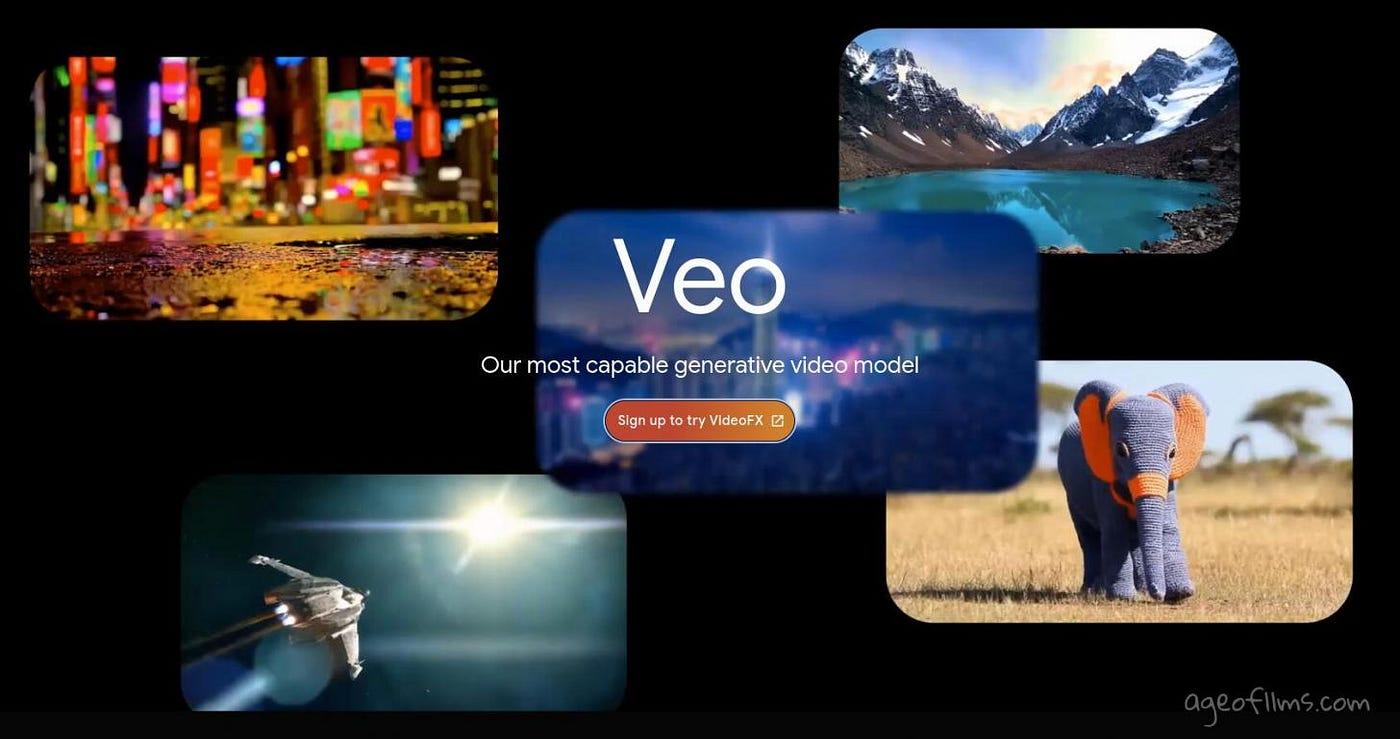
Google’s roadmap for Veo includes:
- Longer clips – Expected to reach 30 seconds or more by late 2026.
- Better physics – Improved simulation of liquids, cloth, and collision.
- Specialised models – Possibly domain‑specific versions for medical, architectural, or scientific visualisation.
Final Verdict: Is Google Veo 3.1 Worth It?
Yes – unequivocally for professionals who need high‑quality, reliable video with native audio.
Veo 3.1 is not the cheapest, nor the fastest, nor the longest. But it is the most consistent and most polished model available in 2026. Its prompt adherence, audio quality, and upscaling tool set it apart from every competitor.
- Choose Veo 3.1 if you produce commercials, social media ads, YouTube content, or any video where quality and brand consistency matter. The Fast tier at $0.15/sec is a sweet spot for most creators.
- Consider runway-gen-4-5-review if you need granular creative control and editing tools (like Motion Brush and Act‑Two).
- Consider kling-ai-3-0-review if you are on a tight budget, produce high volumes, or need longer 15‑second clips without audio.
And if you’re just starting out, explore the free tier of Pika Labs or Veo 3.1 Lite to get comfortable with the workflow. openai.com
To stay up to date with the latest AI video models and in‑depth reviews, bookmark our AI Tools Directory and visit our blog
Last updated: May 2026